1
Create your account
Start in a minute.
Just your name and email to begin. No app to download, no setup fee, no credit card required. Your giving history, intentions, and commemorations follow you wherever your parish is.
Support your parish, monastery, or mission in a few simple steps — with offerings, intentions, and commemorations shaped around Orthodox life. Frictionless giving should never mean thoughtless giving.
No app to download. No setup fees. Just your parish, your gift, and the life of the Church.
From first visit to first offering, AGAPAY keeps the path calm and legible for parishioners while preserving the details that matter to parish life.
Just your name and email to begin. No app to download, no setup fee, no credit card required. Your giving history, intentions, and commemorations follow you wherever your parish is.
Search by name, city, jurisdiction, or location. ROCOR, OCA, Antiochian, GOA, ACROD — every canonically recognized Orthodox community in America. If they are on AGAPAY, you will find them.
Each offering is shaped around how Orthodox Christians actually give — not a generic payment form pretending to understand stewardship. Intentionality matters.
An offering is never a transaction. It is an act of worship. Your gift supports real people and real mission.
Your parish is notified instantly — the gift arrives directly in their account.
No platform holds your money. It goes straight to the Church, the moment you give it.
Your commemorations are queued for the priest — the living and the departed, remembered at the proskomedia.
Your giving record follows you. Year-end statements, all in one place.
Add our web-based app to your home screen for quick access to your giving, intentions, and commemorations. It opens straight from your browser — no app store, no download.
Tap Install AGAPAY below. Your browser will ask to add our web-based app to your home screen.
Confirm Install, and the AGAPAY icon appears with your other apps.
Open it anytime to give, light a candle, or submit names for commemoration.
If your browser doesn’t prompt automatically, it will open AGAPAY so you can choose “Add to Home screen” from the browser menu.
Open AGAPAY in Safari (iPhone and iPad can add our web-based app from Safari).
Tap the Share button at the bottom of the screen.
Scroll down and tap Add to Home Screen, then Add. The AGAPAY icon appears with your other apps.
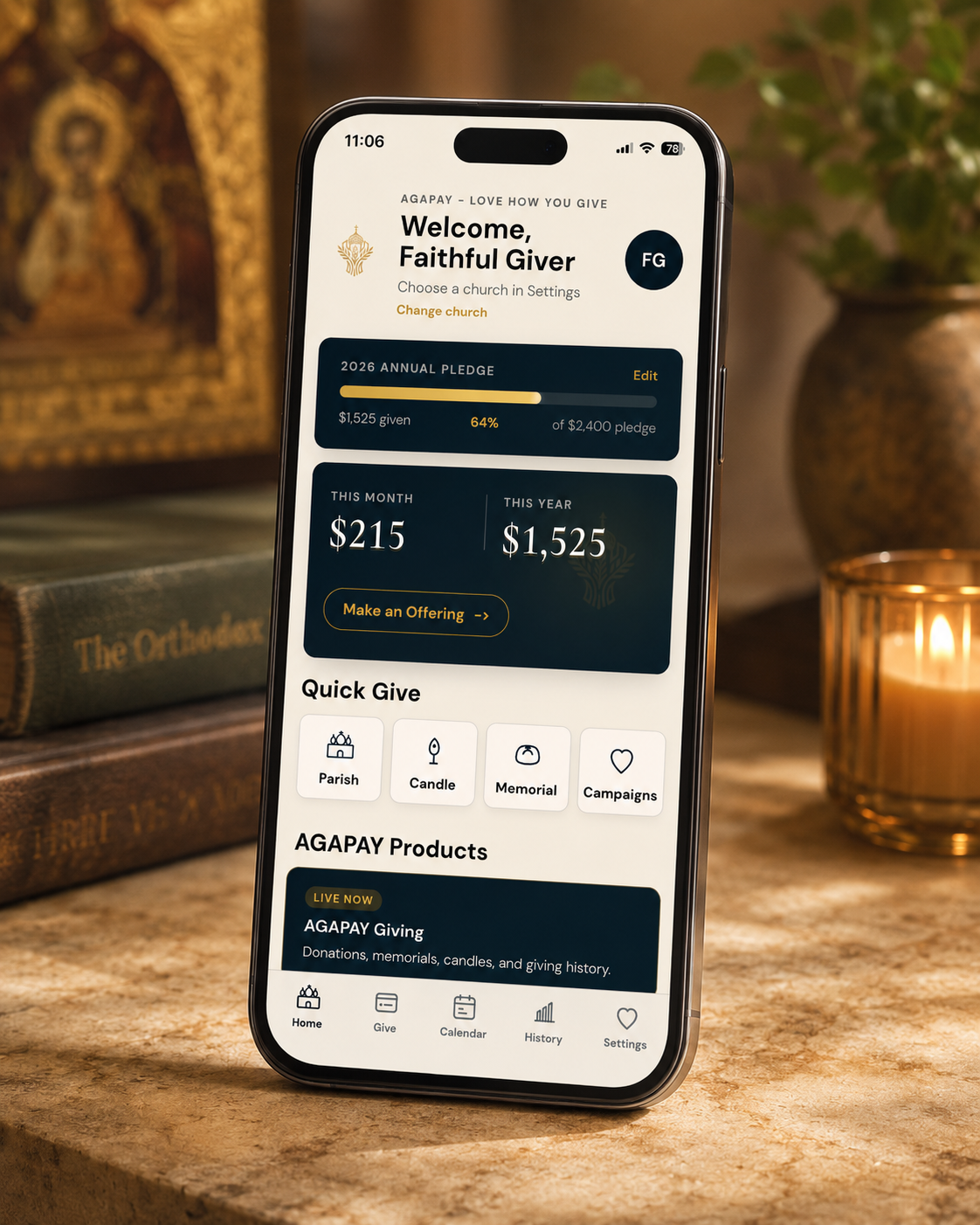
Find your parish and give in minutes — or register your community to receive the gifts of the faithful.